Quick Answer
No traditional in-game map replaces navigation in Subnautica 2. Use the compass, visible landmarks, beacons, PDA scanner clues, raw HUD coordinates and this source-labeled interactive map together instead of expecting one menu to solve every route.
Current Status
The useful answer is not just "no in-game map." The real player problem is how to avoid getting lost while Early Access markers are still being reviewed. This page treats navigation as a workflow: use in-game tools for local memory, then use map filters and coordinates for planning.
What players mean by an in-game map
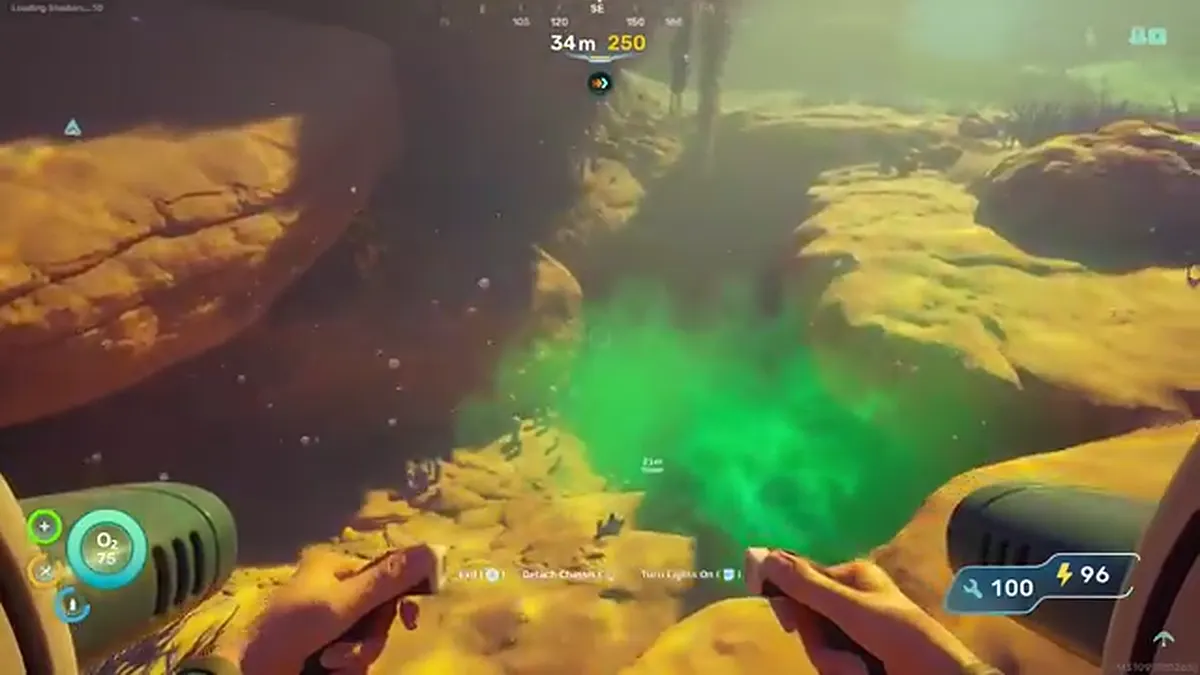
When players ask whether Subnautica 2 has a map, they usually mean a live world map with your position, explored regions and resource pins. That is not how the current navigation loop should be understood. You get signals, landmarks, compass direction, beacons and coordinate clues, but you still need to build the route in your head.
That design is part of the survival rhythm. A perfect in-game map would make every cave, return path and creature zone feel solved too early. The tradeoff is that new players need a reliable way to connect what the game shows with what an external map can safely label.
How to navigate without a traditional map
Start every trip with one anchor: base, lifepod, beacon, large landmark or a route card. Then add one direction and one stop condition. For example, "go west until the cave lip, scan two fragments, then return" is safer than "wander until I see something useful." The map should narrow the job, not invite an endless sweep.
Beacons are the best in-game memory tool. Drop them at cave entrances, base candidates, resource loops and dangerous exits. A beacon at a cave mouth is often more useful than a coordinate deep inside the cave because it tells you where the actual route starts.
Where raw HUD coordinates fit
Raw HUD coordinates are useful when you need to compare your current position with a reported target, but they are not a full route. A point can look close and still be bad if the entrance is behind you, below you or inside a different cave branch. Use raw HUD coordinates as a measurement layer, not as the whole answer.
If you have a target coordinate, open the coordinate calculator and enter current X/Y/Z plus the target X/Y/Z. That gives distance, bearing and depth change. Then check whether the map marker is site-verified, third-party reported, approximate or route-only before trusting it.
How this map should be used
Use the interactive map to choose a filtered task: Silver, Lead, Tadpole fragments, cave entrances, base locations or leviathan danger. Then use in-game navigation to execute the route. The safest pattern is filter, plan, beacon, swim, return and update the evidence if the marker was wrong.
Co-op groups should use shared map filters before leaving base. If one player changes the route from Silver to Tadpole to a story marker mid-trip, the group loses the plan. Share the filtered URL, agree who is navigating, and keep spoiler mode consistent so nobody sees more than they want. That discipline also helps solo players because every route has one purpose, one return point and one evidence label to check.